1. 원하는 폰트를 다운
아래 링크에 있는 구글이나 자유한글 등 원하시는 사이트에서 적용하고자 하는 서체를 다운 받는다.
https://fonts.google.com/?subset=korean
Browse Fonts - Google Fonts
Making the web more beautiful, fast, and open through great typography
fonts.google.com
https://m.xn--bj0bl09buja348b.xn--3e0b707e/myboard/menu_list
자유한글 무료서체 무료폰트
무료한글폰트 , 무료서체 , 상업적 사용가능 한글폰트 , 저작권 자유로운 무료폰트
m.xn--bj0bl09buja348b.xn--3e0b707e
2. 다운받은 폰트를 프로젝트 내 폴더로 옮겨주기
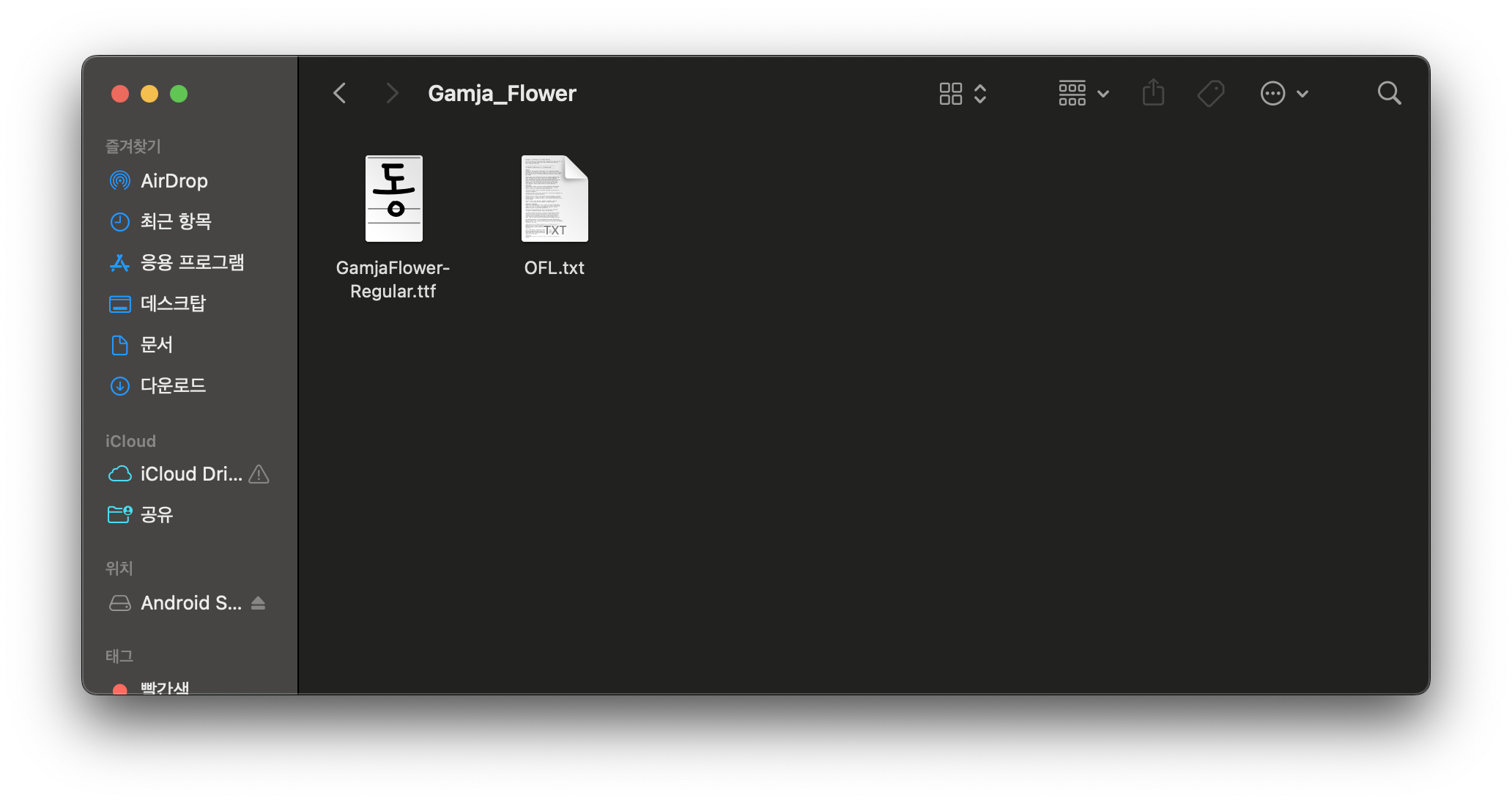
보통 font를 다운받으면 zip 파일로 다운로드된다.
압축을 해제하고 안에 들어 있는 ttf 파일을 프로젝트 내의 폴더에 옮겨준다.
주로 src/assets/fonts에 넣어두는 것 같다.
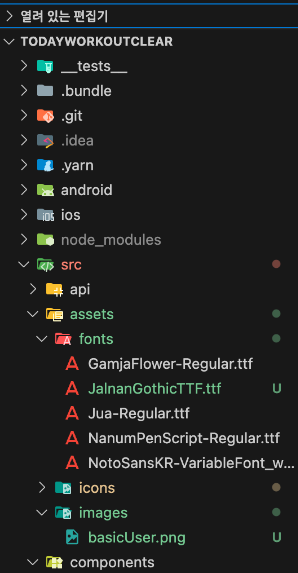
3. 루트 폴더에 react-native.config.js 파일 수정
만약 파일이 없다면 새로 생성해주면 된다.
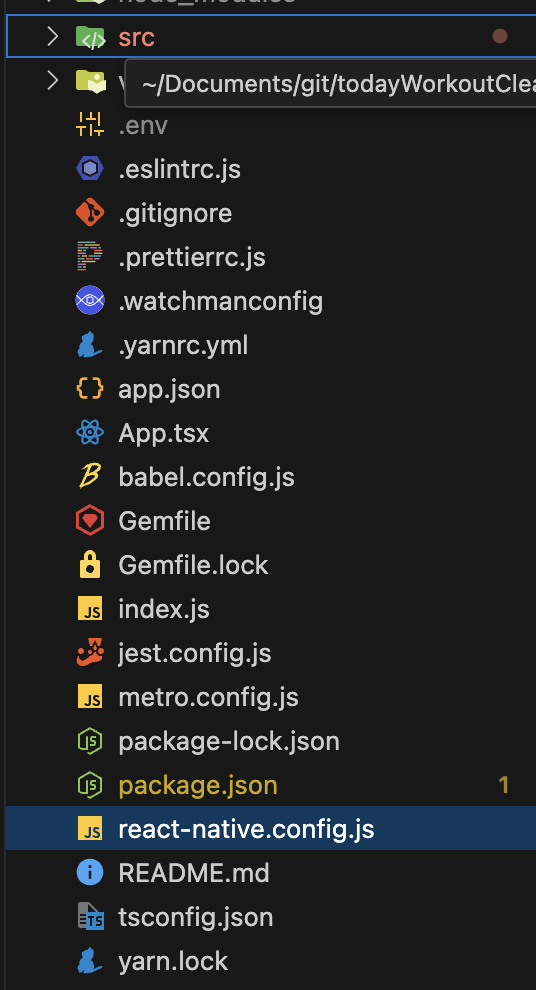
react-native.config.js 파일에 아래의 코드를 넣는다.
module.exports = {
  project: {
    ios: {},
    android: {},
  },
  assets: ['./src/assets/fonts/'], // ttf/otf 파일을 넣은 위치
};
4. 터미널에서 npx react-native-asset 명령어 실행
npx react-native-asset
cd ios
xed .
프로젝트 내에서 터미널을 켠 뒤 위의 명령어들을 실행해준다.
마지막 명령어를 입력하면 xcode가 열린다.
4. xoode 내의 Resource 폴더 확인
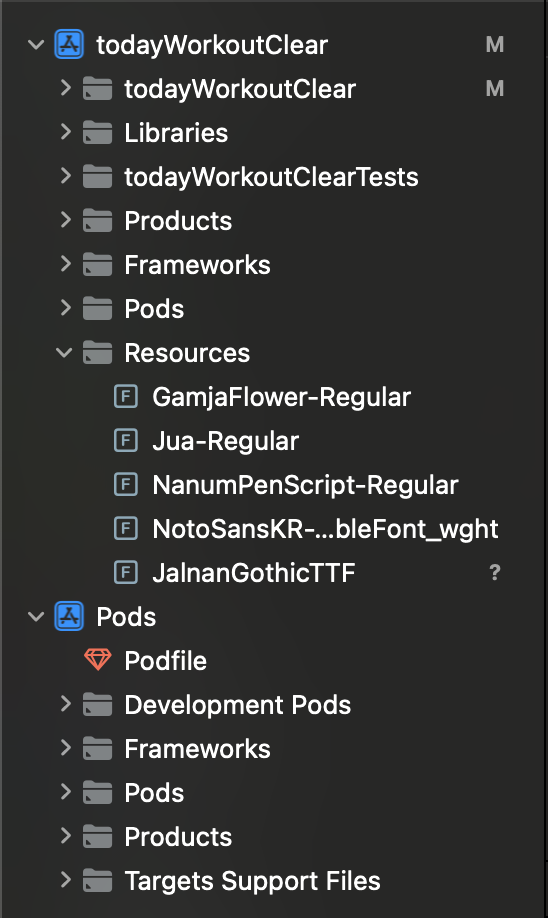
실행된 xcode에서 프로젝트 폴더 내 Resource 폴더안에 폰트 파일들이 잘 들어있는지 확인해줘야 한다.
5. fontFamily 적용
fontFamily를 적용할 때 주의해야 하는 점이 있다.
적용할 폰트 파일에서 확장자를 제외한 이름과 완벽하게 일치해야 적용이 된다.
import React, {useEffect} from 'react';
import {View, Text, StyleSheet, Image} from 'react-native';
import {SafeAreaView} from 'react-native-safe-area-context';
import AsyncStorage from '@react-native-async-storage/async-storage';

const Splash = ({navigation}) => {
  useEffect(() => {
    movePage();
  }, []);

  const movePage = async () => {
    setTimeout(() => {
      navigation.navigate('Login');
    }, 2000);
  };

  return (
    <View style={styles.container}>
      <View style={styles.wrapper}>
        <Image
          source={require('../assets/icons/logo.png')}
          style={styles.logoIcon}
          resizeMode="contain"
        />
        <Text style={styles.logoText}>오운완</Text>
      </View>
    </View>
  );
};

const styles = StyleSheet.create({
  container: {
    flex: 1,
    alignItems: 'center',
    justifyContent: 'center',
    backgroundColor: '#F1F9FF',
  },
  wrapper: {
    flexDirection: 'row',
    alignItems: 'center',
  },
  logoIcon: {
    height: 80,
    width: 80,
    marginTop: -16,
  },
  logoText: {
    fontFamily: 'JalnanGothicTTF', // 확장자를 제외한 font 파일과 이름이 완벽하게 일치해야 함
    fontSize: 40,
    color: '#2E8CF4',
  },
});
export default Splash;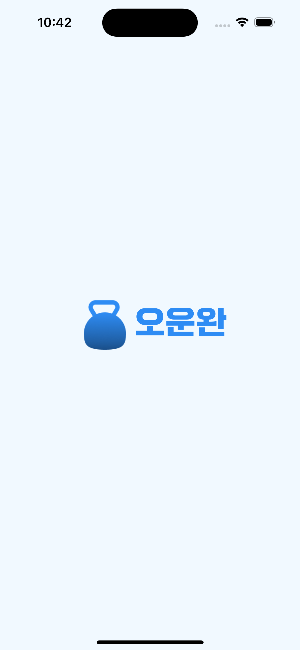
'🖥️ Frontend > ReactNative' 카테고리의 다른 글
| [ReactNative] svg 적용하기 (0) | 2024.07.17 |
|---|